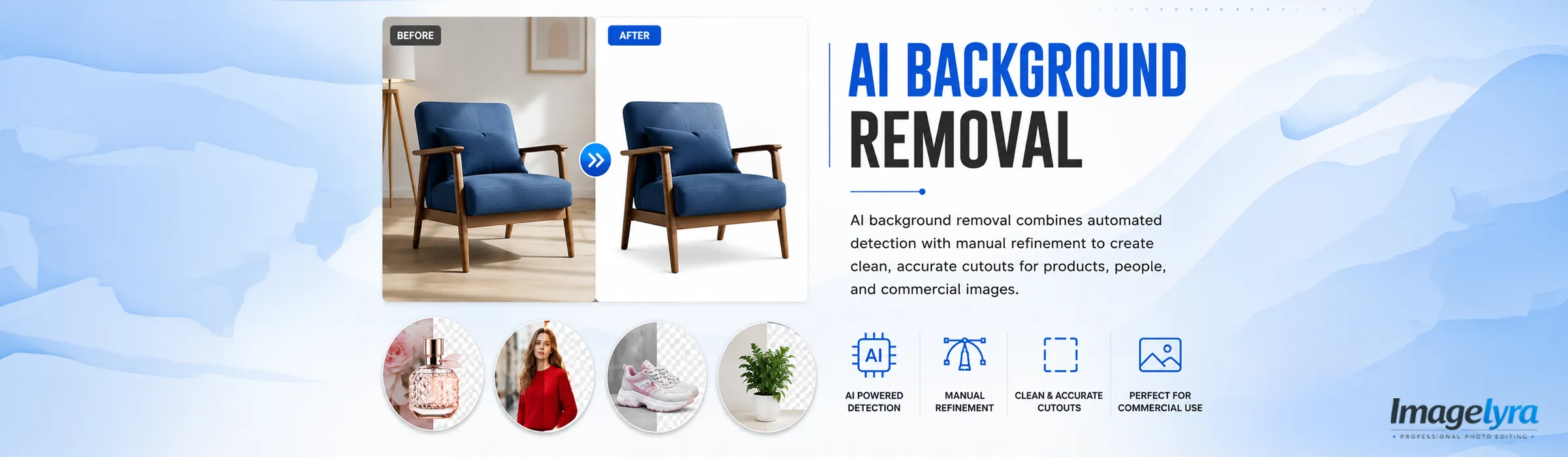
AI Background Removal
AI background removal uses automated subject detection to separate products, people, garments, and other objects from their original surroundings. Imagelyra combines this speed with careful manual review, refining edges, internal gaps, soft boundaries, and difficult areas that automated tools may not isolate accurately on their own.
Our editors check the finished cutout for missing details, unwanted background traces, rough contours, and edge contamination before preparing transparent, white, or replacement-background files. This blended workflow supports eCommerce sellers, photographers, agencies, and brands that need efficient image processing without relying entirely on unreviewed automatic results.
Who Uses AI-Assisted Background Removal?
Automated background detection can accelerate image preparation, but commercial files still need visual checks and edge refinement. Businesses use AI-assisted editing when they want faster processing while maintaining greater control over the final cutout.
❯ eCommerce Retailers - Online stores use AI-assisted background removal to process product uploads efficiently while ensuring final images receive suitable edge cleanup before publishing.
❯ Marketplace Sellers - Sellers benefit from faster isolation of product images that still need review for transparent, white, or platform-specific background presentation.
❯ Photography Studios - Studios use AI-supported workflows to manage larger image volumes while reserving manual attention for detailed edges, soft boundaries, and complex subjects.
❯ Marketing Agencies - Creative teams need reusable cutouts for banners, social graphics, advertisements, and campaign layouts where automated results often require further refinement.
❯ Small Product Brands - Growing brands use AI-assisted editing to prepare regular image batches without depending solely on basic one-click tools or inconsistent internal processing.
Why Combine AI Background Removal with Manual Refinement?
AI tools can identify clear subjects quickly, but they may misread hair, fur, reflective products, narrow straps, pale edges, or colours similar to the backdrop. These areas can produce clipped details, jagged contours, or leftover fragments that become visible when the image is placed on a contrasting background.
Commercial image requirements also vary beyond simple subject detection. Internal openings, product gaps, soft transitions, edge colour contamination, and file-specific background rules may all require human judgement. Imagelyra reviews the automated result and corrects areas where the source image supports more accurate isolation.
For larger image collections, a blended workflow offers practical production value by using automation for initial separation and manual editing for quality control. This reduces repetitive setup work while giving eCommerce, creative, and photography teams cleaner assets that are easier to review and use across multiple channels.
What You Can Expect from Imagelyra
✔ AI-assisted subject detection followed by manual cutout review.
✔ Refinement of rough edges, missing details, and unwanted background traces.
✔ Careful handling of internal gaps, narrow sections, and soft boundaries.
✔ Transparent, white, or suitable replacement-background preparation.
✔ Consistent output across individual images and larger commercial batches.
👉 Use the speed of automation without sacrificing edge quality through AI background removal refined by Imagelyra.
Frequently Asked Questions
Everything you need to know about our AI Background Removal services.
